
Video Tutorials
Video tutorials to help you get started with UnitConnect's property management software
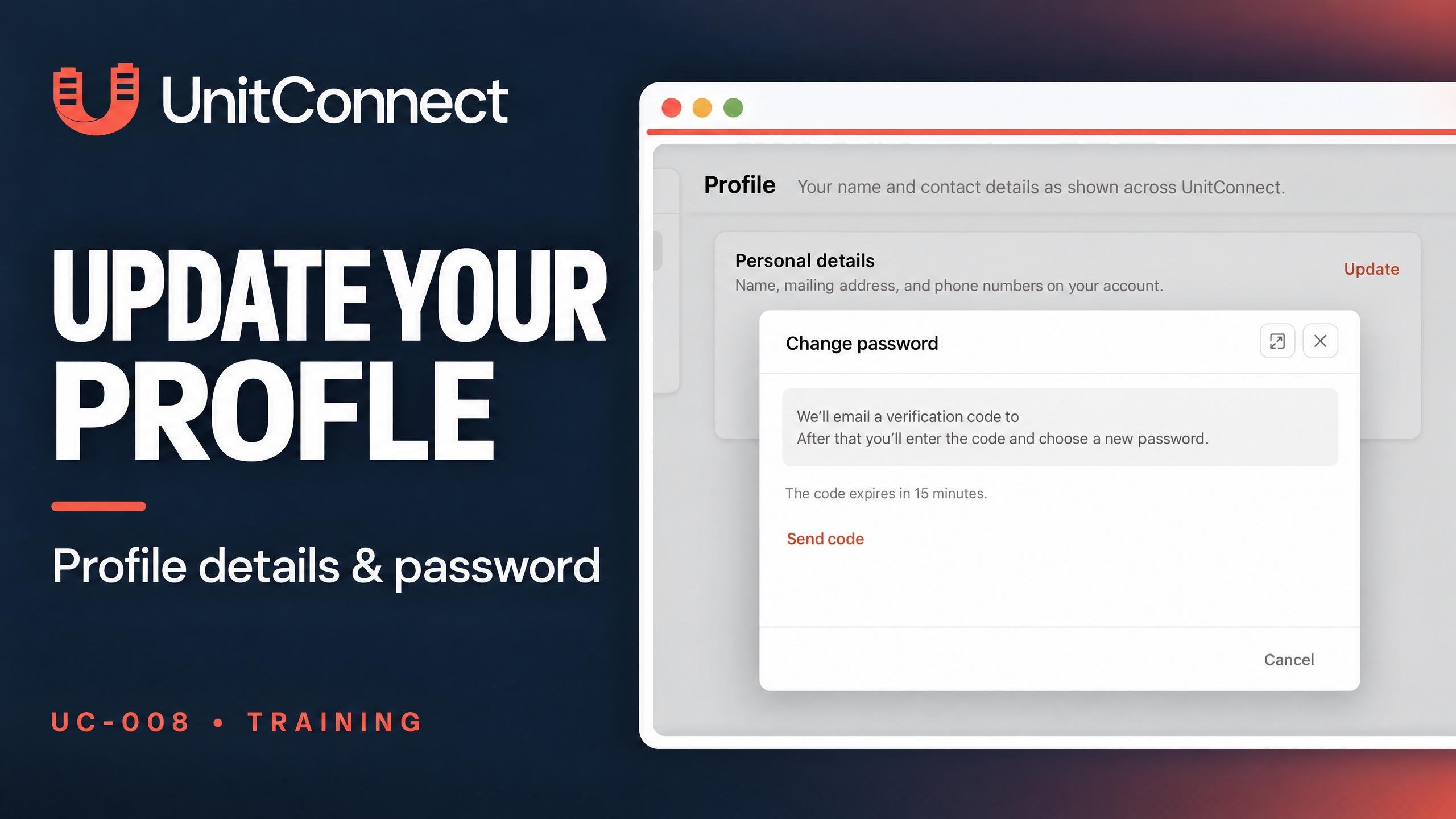
How to Update Your UnitConnect Profile and Password
Update your personal details, change your UnitConnect password with email verification, and choose whether printed invoices include attachments.
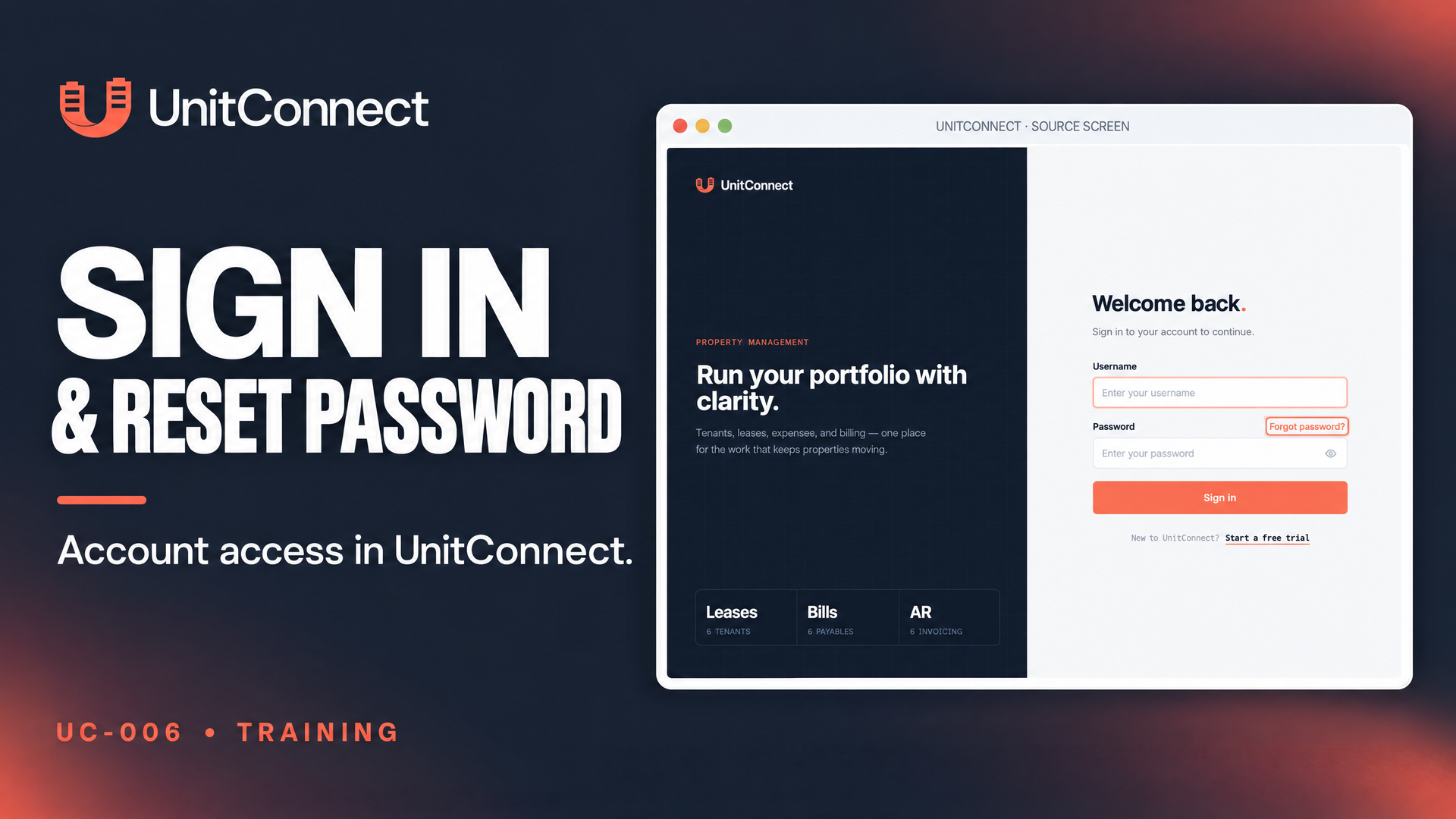
Sign In to UnitConnect and Reset a Forgotten Password
Learn how to sign in to UnitConnect, reset a forgotten password with an email code, verify your email, and sign out securely on shared computers.
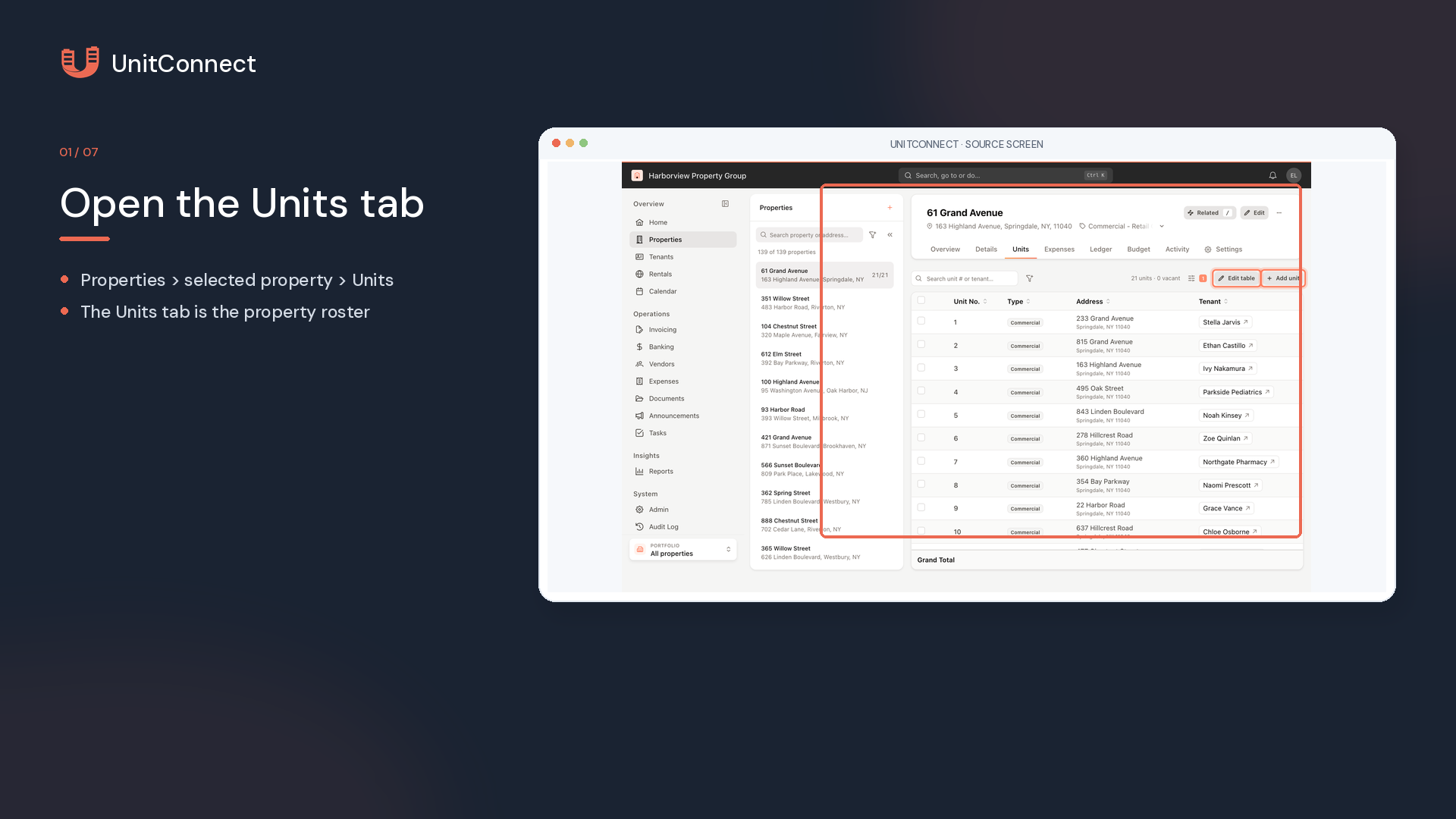
How to Add and Manage Units in UnitConnect
Learn how to review a UnitConnect property roster, add or update units, check pro-rata shares, link parking or storage units, and remove units with the right permissions.
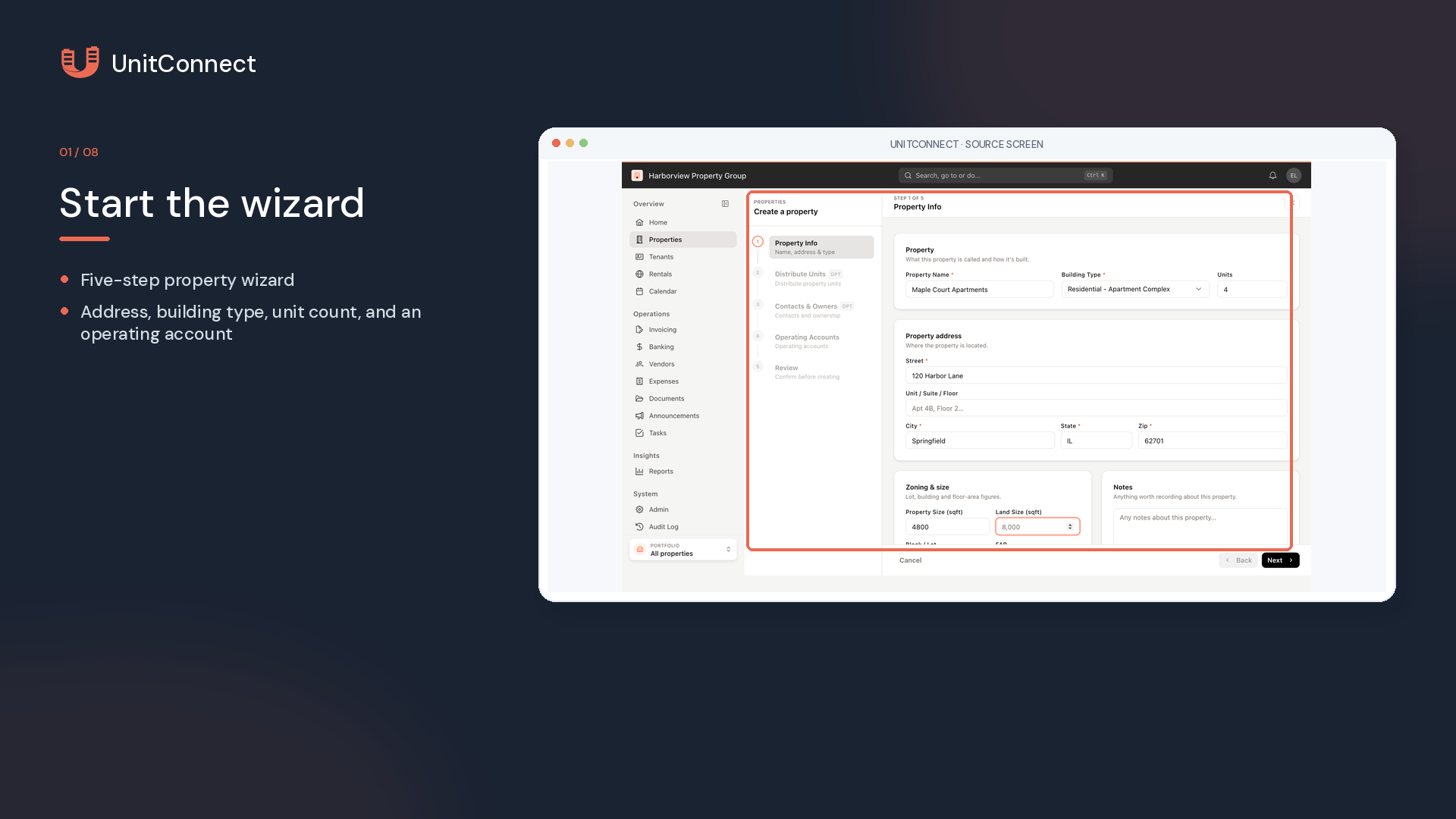
How to Add a New Property in UnitConnect: A Five-Step Setup Guide
Create a property in UnitConnect with the five-step wizard: enter property details, distribute units, add contacts or owners, choose an operating account, and review before creating.
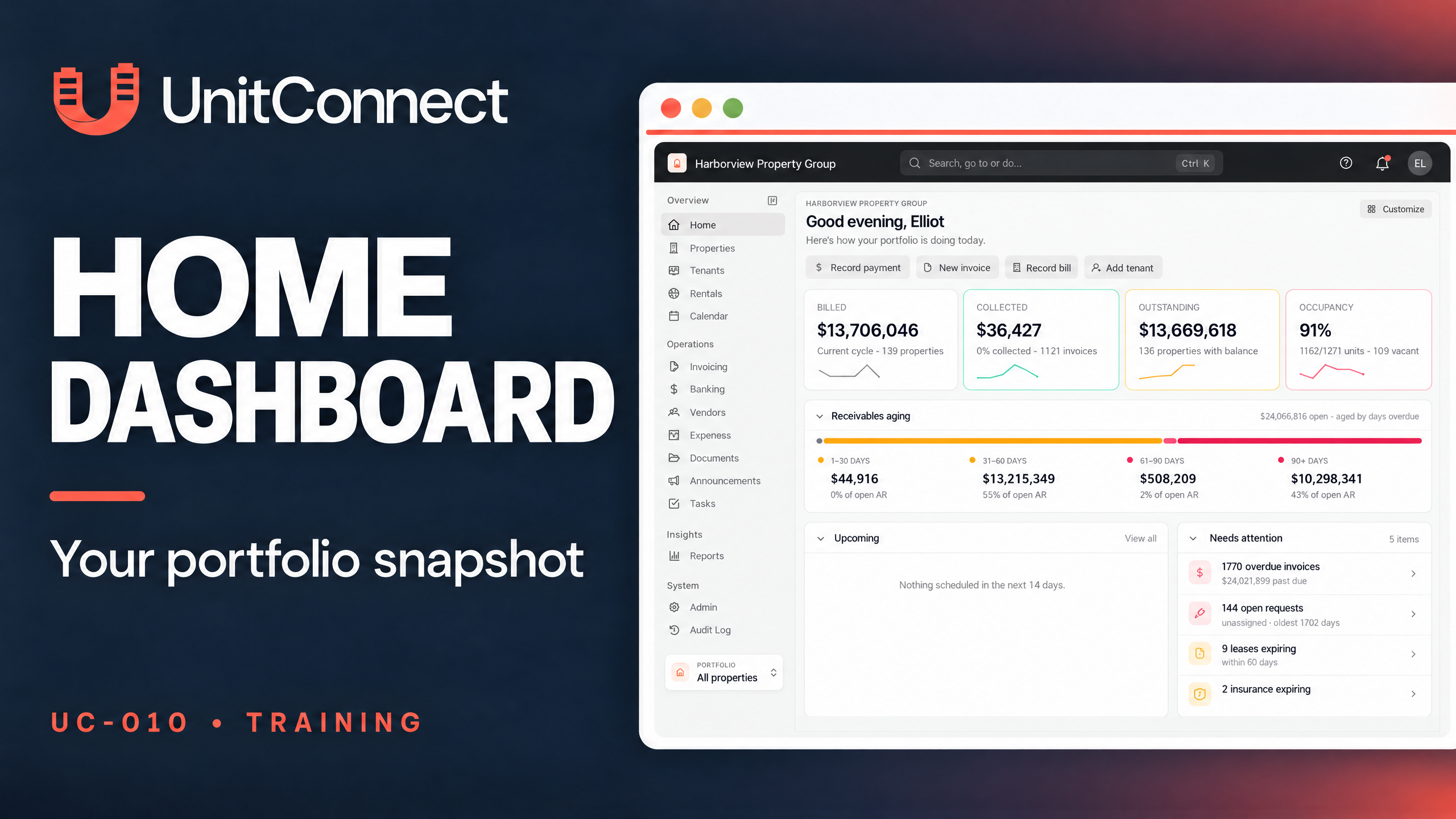
How to Read Your UnitConnect Home Dashboard
Learn how to use the UnitConnect Home dashboard to review portfolio billing, receivables aging, occupancy, upcoming events, and items needing attention.
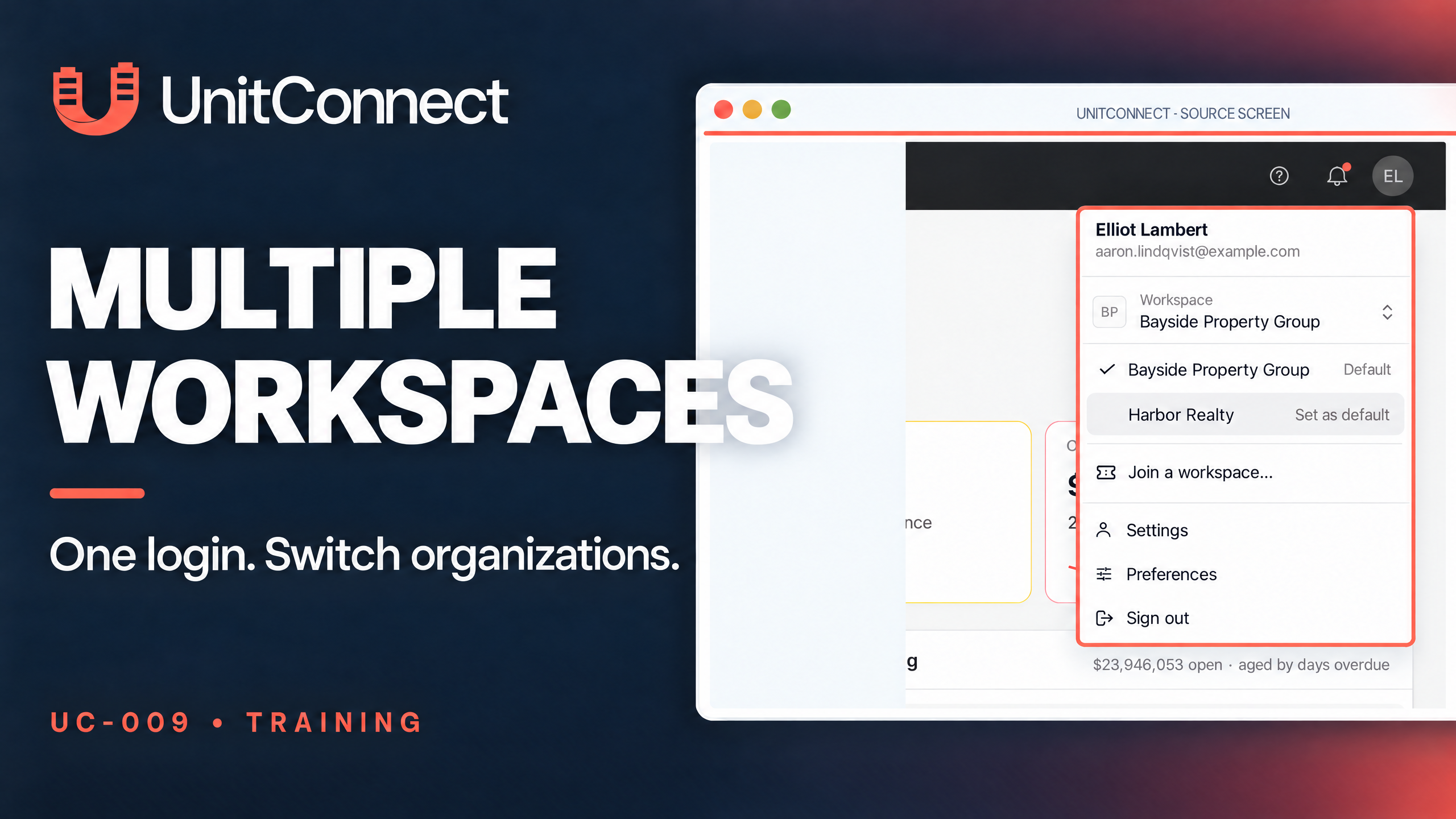
How to Work in Several Organizations in UnitConnect
Use one UnitConnect login across the organizations that invite you. Learn how to join, switch, set a default, and leave organizations.
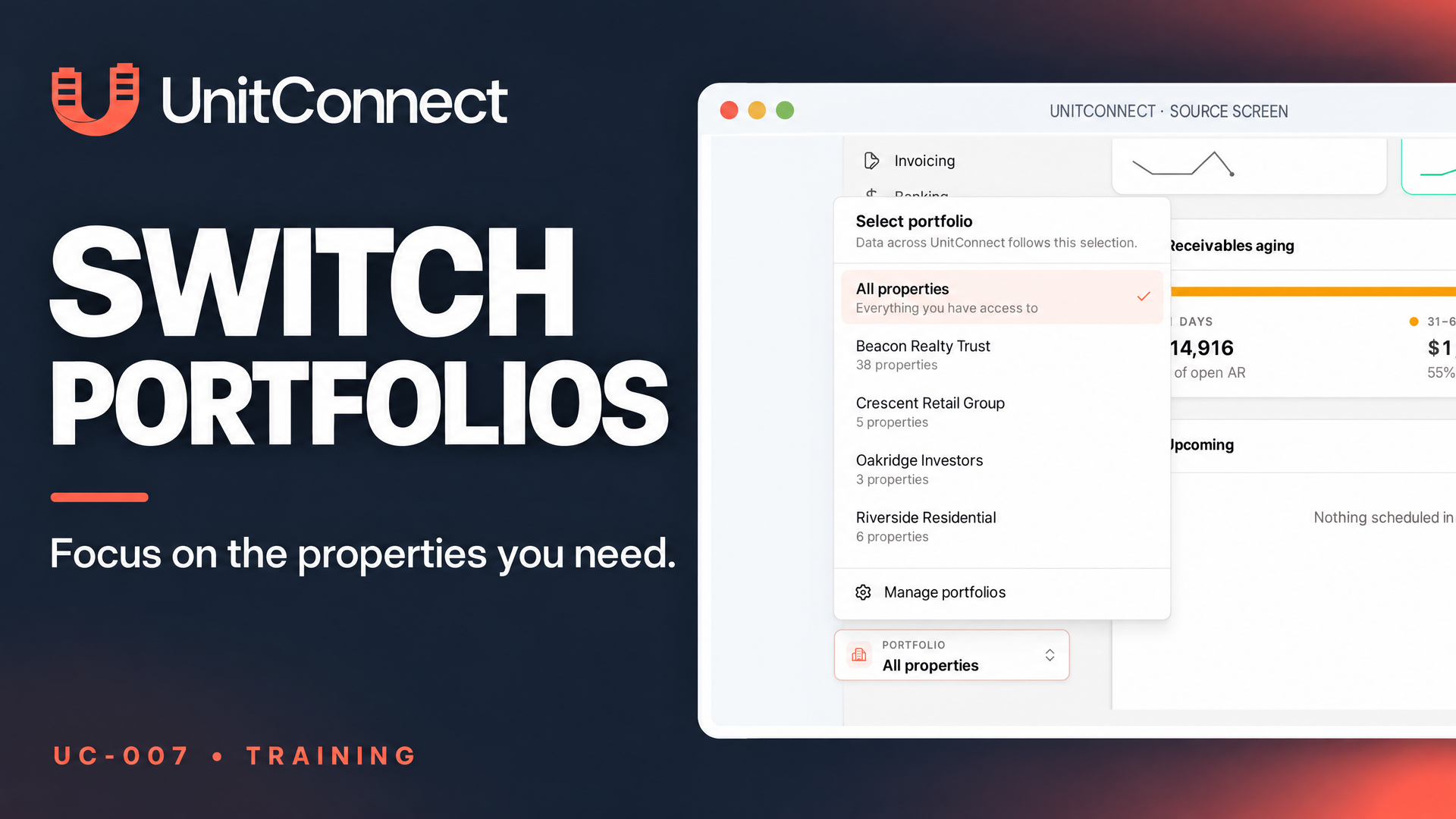
How to Switch Between Portfolios in UnitConnect
Use the UnitConnect portfolio switcher to focus the workspace on one group of properties, understand what reloads after a switch, and keep portfolio selection separate from property access.
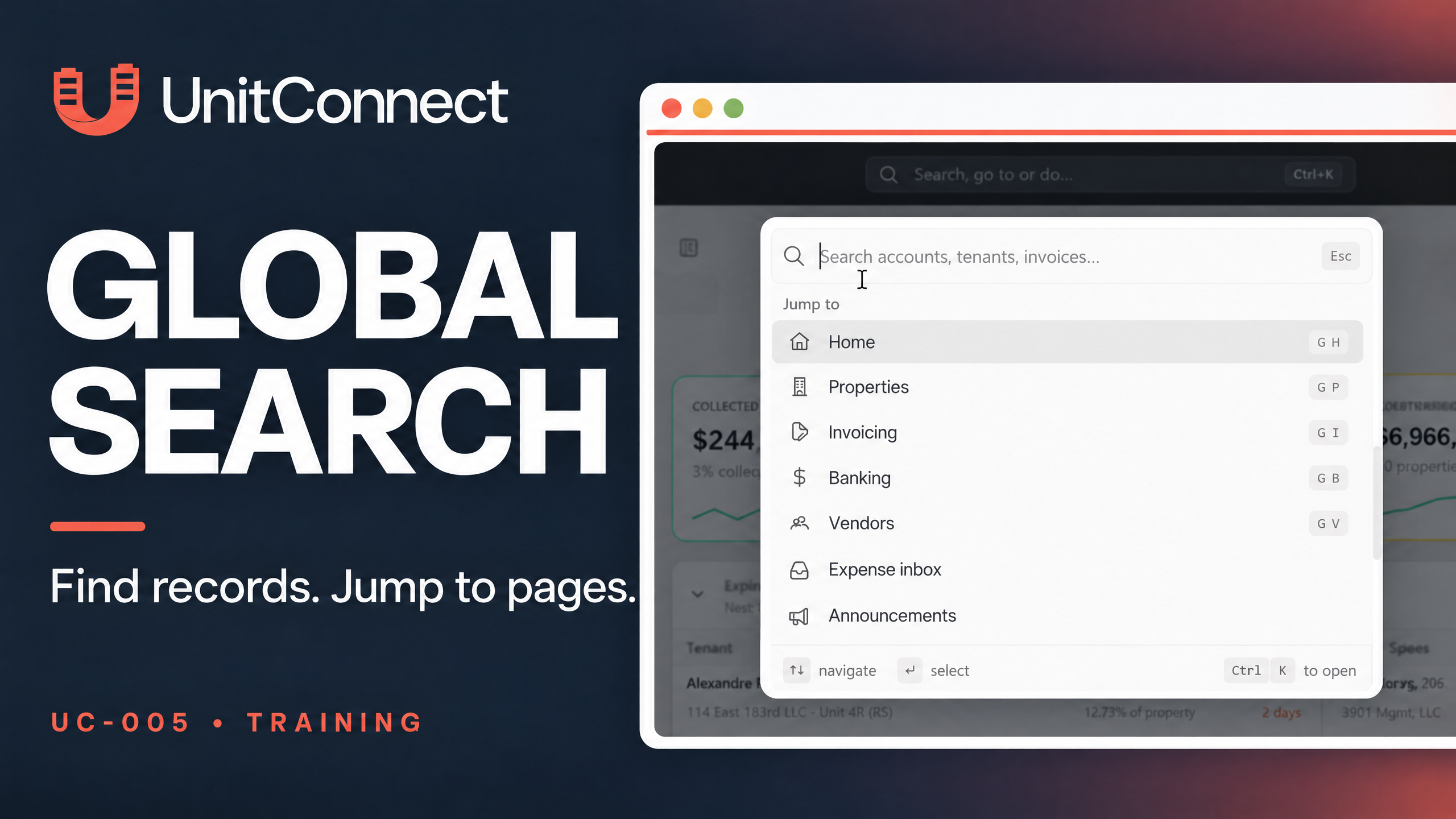
Find Records Faster with UnitConnect Search and Keyboard Shortcuts
Use UnitConnect Global Search to revisit records, jump to key pages, access common actions, and find matching accounts, tenants, invoices, phone numbers, or email addresses.
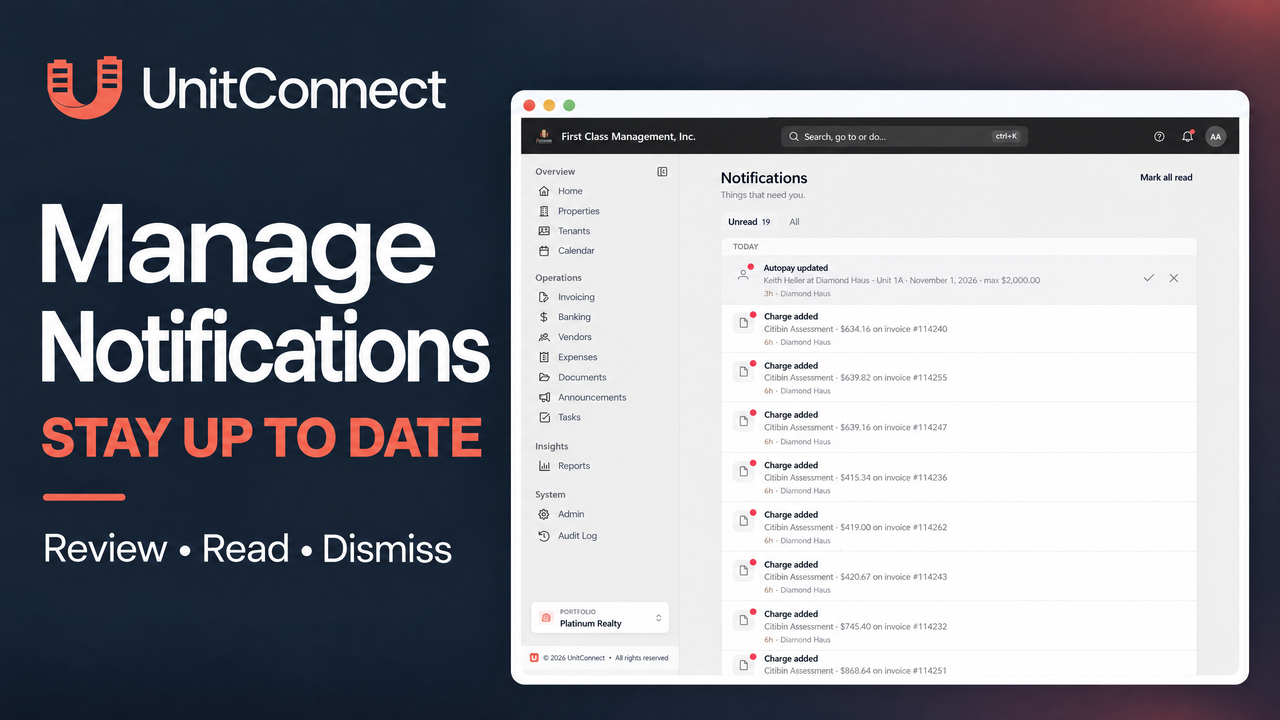
How to Manage Notifications in UnitConnect
Learn how to check the UnitConnect notification bell, filter unread items, open linked records, dismiss alerts, and choose email or in-app notification preferences.
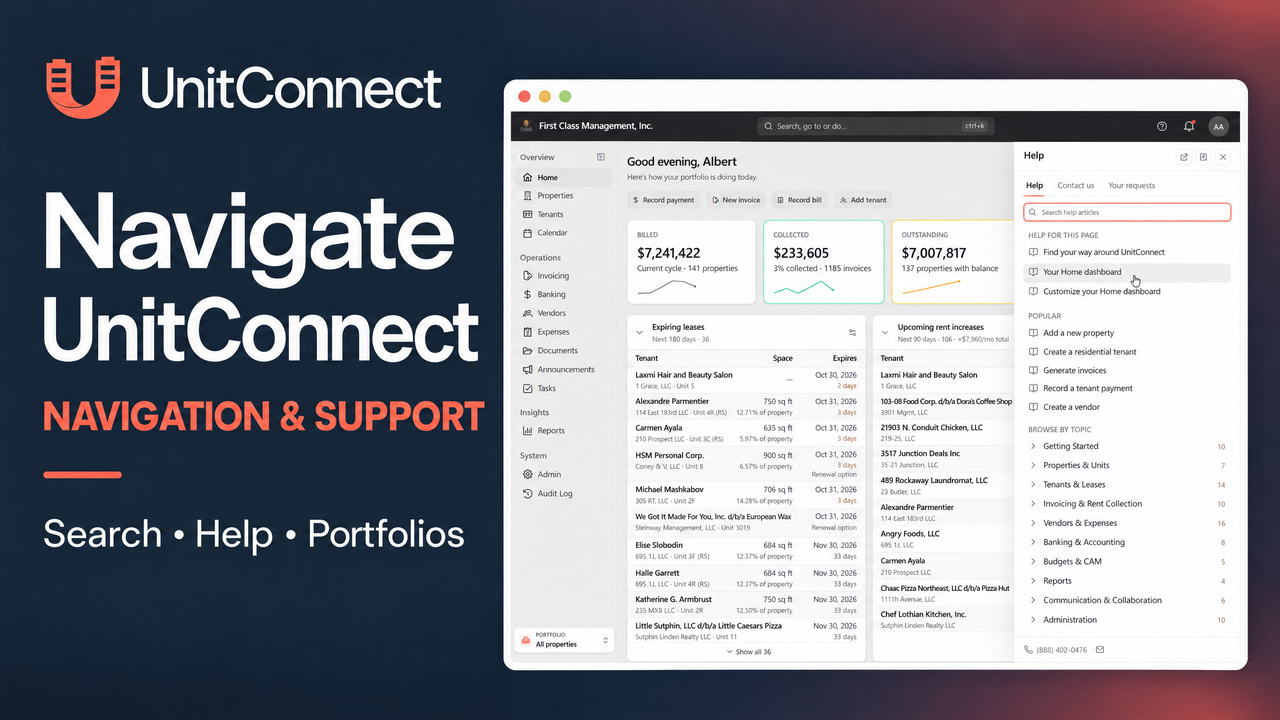
Find Your Way Around UnitConnect: Search, Help, Navigation, and Portfolio Scope
UnitConnect keeps the same basic frame across the app: a dark header at the top, a navigation sidebar at the left, and the page you are working on in the middle. Once that layout feels familiar, it is easier to move between daily work, find a record quickly, and get help without losing your place.
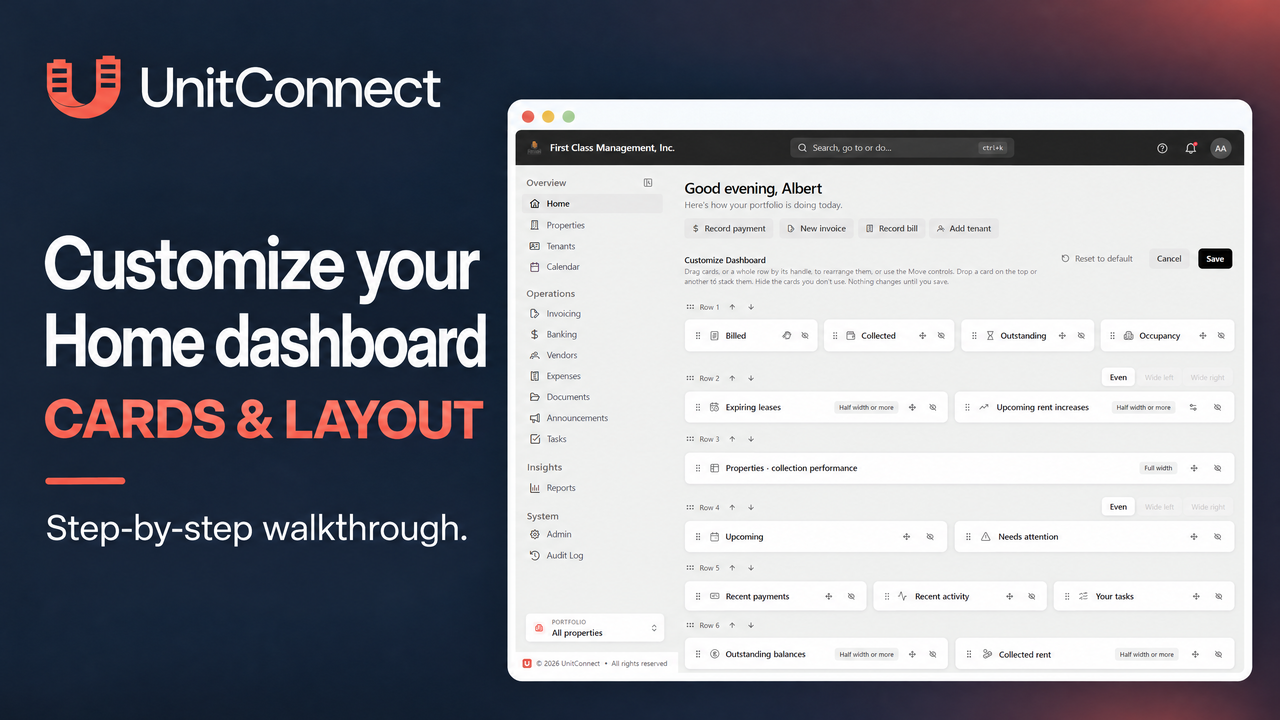
How to Customize Your UnitConnect Home Dashboard
Your UnitConnect Home dashboard can reflect the information you check most often. The Customize view lets you hide cards you do not need, put related cards together, move rows, and choose a different time window for the Upcoming rent increases and Expiring leases cards.
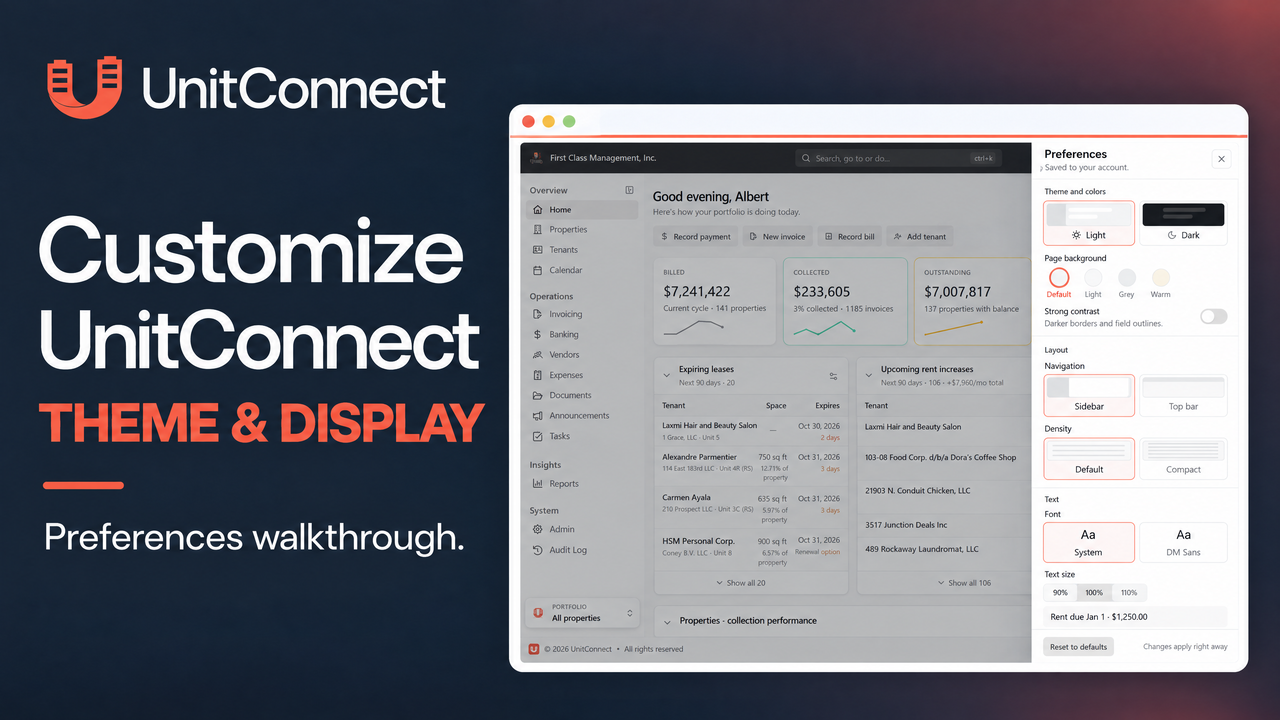
How to Change Appearance Preferences in UnitConnect
The way UnitConnect looks can be adjusted from one Preferences panel. Use it to set the app’s color scheme, choose a navigation layout on larger screens, change table spacing, and tailor text choices. The settings take effect as you choose them, so there is no separate Save button.