Rentals catalog
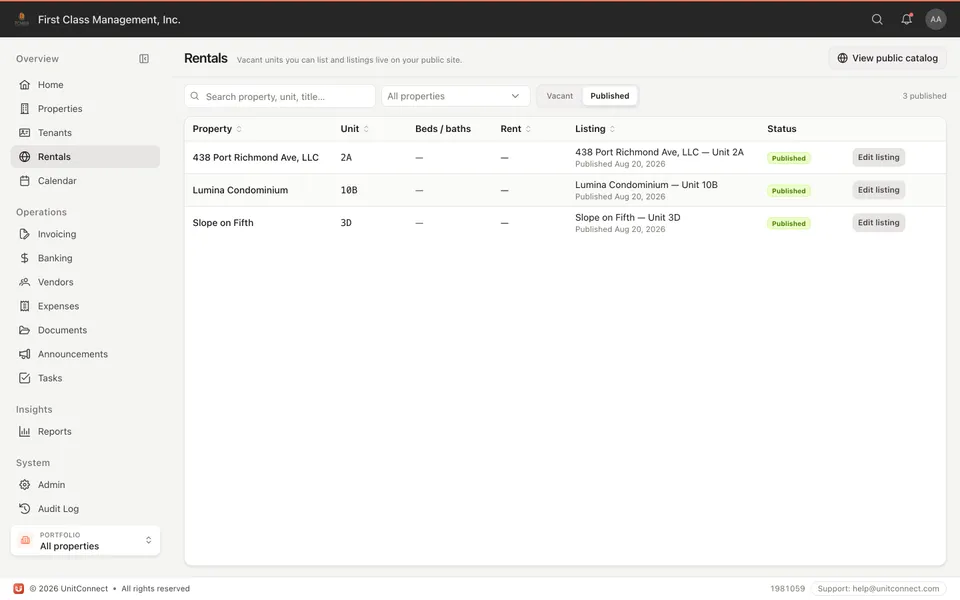
Publish available units on your company site. Applicants browse without a phone tree.
 UnitConnect
Public presence
Each account gets a web address for rentals, the tenant portal, and the owner portal. Applicants and tenants look you up at find.unitconnect.com — or go straight to your company address.
What you get
Publish available units on your company site. Applicants browse without a phone tree.
The address they bookmark: pay rent, see the lease, raise a request. Owners get the reporting you grant.
If they forgot the address, find.unitconnect.com searches by name or emails a sign-in link.
It is your company’s public face on UnitConnect — not a listing lost in someone else’s portal.
How it runs
Tenants and applicants use {company}.unitconnect.com — rentals, tenant, or owner.
The catalog is opt-in. The tenant portal is for people you invite.
Name search or an email link so nobody is stuck guessing the URL.
FAQ
No. The tenant portal works on the same address even if you never publish a catalog.
find.unitconnect.com — search by company name, enter a company code, or email themselves a sign-in link.
No. Public listings and portals are included with your account. find.unitconnect.com is where people look you up when they do not have the address.
Keep going
One shortcut finds any tenant, property, vendor or invoice — and takes you straight there.
Learn moreEvery invoice that arrives becomes visible work, and leaves only when somebody resolves it.
Learn moreReads the vendor, amount and dates off the invoice, and splits a batch scan into one item each.
Learn moreTrack CAM, taxes, and insurance against what you collected — then invoice the shortage or credit the overage.
Learn more7-day free trial of the full product. Card required, no charge until the trial ends. Cancel anytime.